

OpenAI provides the GPT family of large language models through the OpenAI Python SDK, OpenAI Node.js SDK, and the official OpenAI Go SDK. Arize AX captures every OpenAI SDK call — chat completions, tool calls, and token usage — via the OpenInference instrumentors for Python, JavaScript / TypeScript, and Go. The Python, TypeScript, and Go instrumentors all cover Azure OpenAI.Documentation Index
Fetch the complete documentation index at: https://arize-ax.mintlify.dev/docs/llms.txt
Use this file to discover all available pages before exploring further.

OpenAI Python Tracing Tutorial (Google Colab)
OpenAI Python Tracing Tutorials on GitHub
Prerequisites
- Python 3.9+, Node.js 18+, or Go 1.25+
- An Arize AX account (sign up)
- An
OPENAI_API_KEYfrom the OpenAI Platform, or Azure OpenAI credentials
Launch Arize AX
- Sign in to your Arize AX account.
- From Space Settings, copy your Space ID and API Key. You will set them as
ARIZE_SPACE_IDandARIZE_API_KEYbelow.
Install
Configure credentials
- OpenAI
- Azure OpenAI
Setup tracing
Go SDK Only
/v1/chat/completions is instrumented today; embeddings, responses, and image endpoints fall through unwrapped. Streaming responses pass through unchanged, but output.value and token counts are not populated for streaming spans yet.Run OpenAI
Expected output
Verify in Arize AX
- Open your Arize AX space and select project
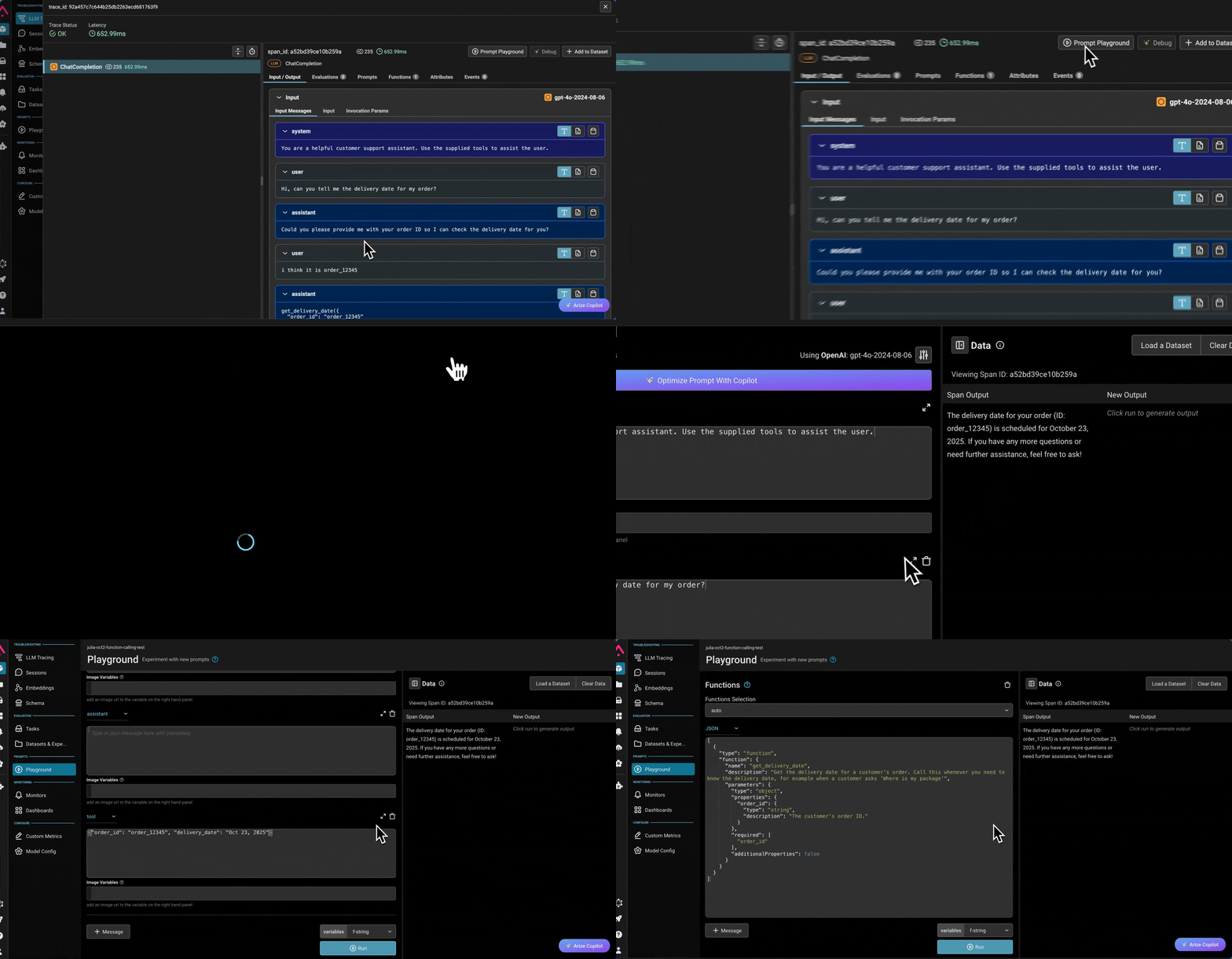
openai-tracing-example. - You should see a new trace within ~30 seconds containing an LLM span —
ChatCompletionfor the Python SDK,OpenAI Chat Completionsfor the Node.js SDK, oropenai.chat.completions.createfor the Go SDK — with the prompt, response, and token usage attached. - If no traces appear, see Troubleshooting.
Troubleshooting
- No traces in Arize AX. Confirm
ARIZE_SPACE_IDandARIZE_API_KEYare set in the same shell that runs the example. Enable OpenTelemetry debug logs withexport OTEL_LOG_LEVEL=debugand re-run. - OpenAI spans missing but other spans present (Python).
OpenAIInstrumentor().instrument(...)must run before anyimport openaiin the application. Make sureinstrumentation.pyis the first import in your entry point. - OpenAI spans missing but other spans present (TypeScript).
instrumentation.manuallyInstrument(OpenAI)must run before any code creates anOpenAIclient. Make sureimport { provider } from "./instrumentation"(or a side-effect-onlyimport "./instrumentation") is the first import in your entry point. 401from OpenAI. VerifyOPENAI_API_KEYis set and has access to the model in the example. Swapgpt-5for a model your key can call.- Azure OpenAI returns
Resource not found. ConfirmAZURE_OPENAI_ENDPOINTpoints to your deployment,OPENAI_API_VERSIONmatches a version your deployment supports, and the example uses the Azure client constructor (openai.AzureOpenAI()/new AzureOpenAI()) rather than the standard OpenAI client. - TypeScript process exits before spans flush. With
SimpleSpanProcessor, spans are sent immediately, but make sure toawait provider.forceFlush()(or callprovider.shutdown()) before the process exits to avoid losing trailing spans. - Go process exits before spans flush.
arize-otel-gouses a batched span processor by default. Thedefer tp.Shutdown(...)block inmain.gois what flushes the batch — without it, short-lived programs lose their last spans. PassSimpleProcessor: truetoarizeotel.Registerif you want synchronous export instead. - Go example wraps the wrong endpoint. The Go middleware only instruments
/v1/chat/completions. Embeddings, responses, completions, and image endpoints pass through to the next middleware unchanged — no span is emitted for them in v0.